A QR code for every room
Add classrooms, gyms, locker rooms, restrooms, and the cafeteria as areas of each building. Each area gets its own code, so every report names its room.
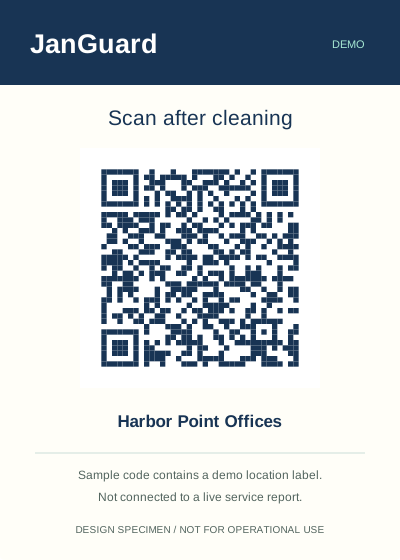
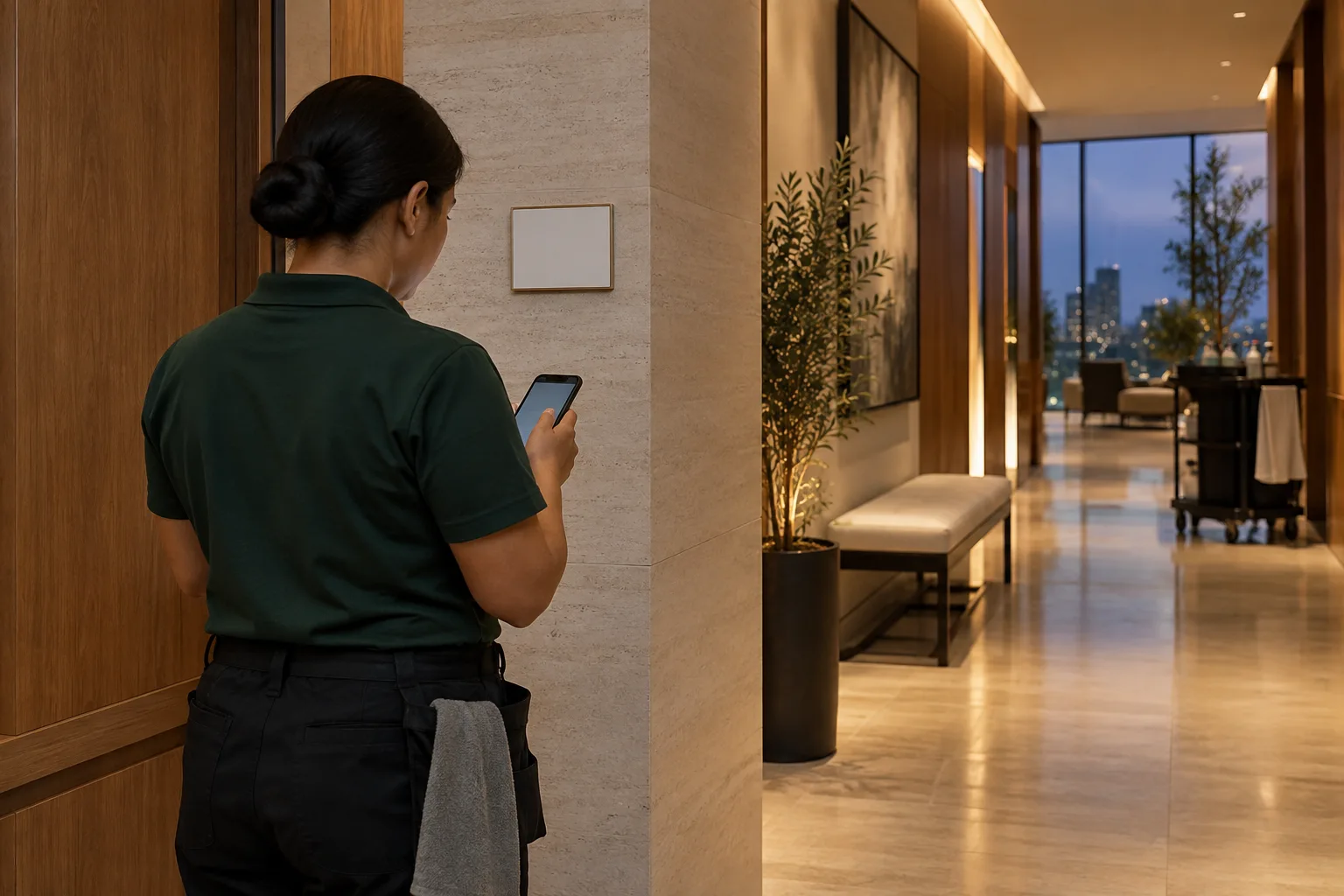
Give each classroom, gym, restroom, and cafeteria its own QR code. Night crews scan in and submit a report from each room. A visit with no report by its deadline is flagged as missed, and the school's facility staff open tickets in their own portal.
Try the same scoring workflow shown in our office example, then open the school checklist for room-specific checks.
Uncheck an item to see how a finding changes the result.
2/3 items passed
Assigned to Northside Cleaning
Open · awaiting correction
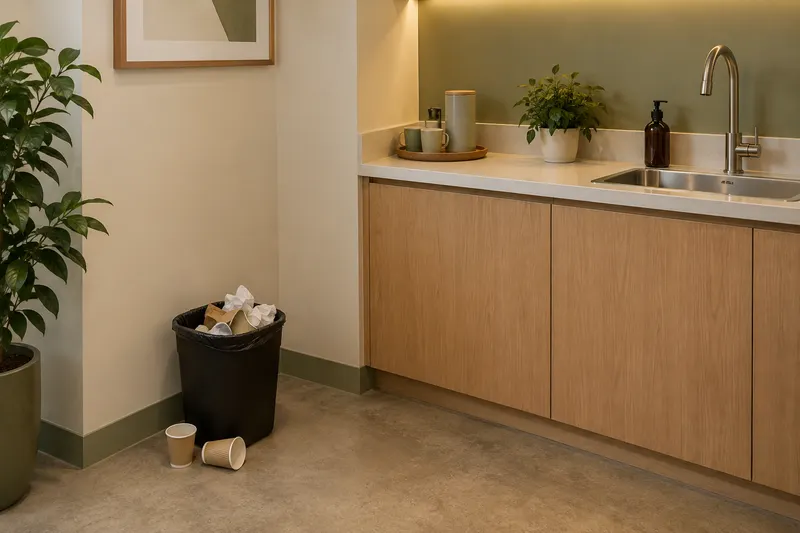
Northside Cleaning records the correction. A supervisor verifies the sample finding.
Illustrative resolution recordIllustrative scene and records, not a customer result. The resolution is a record example, not an after photo.
Read the sample inspectionGive each room a scope and each visit a record.
Add classrooms, gyms, locker rooms, restrooms, and the cafeteria as areas of each building. Each area gets its own code, so every report names its room.
Set a nightly service window for the school year. Add a separate deep-clean schedule with its own start and end dates for the summer.
Excuse a visit ahead of time for weather, a holiday, or a closed building, and it's never counted as missed. Pause a building's schedule over a long break.
Inspect each building monthly, quarterly, or twice a year from templates you build. Failed items become deficiencies that stay open until they're fixed.
The school's facility staff open tickets in the client portal and pick a priority. Each ticket gets a due time, and overdue tickets sort to the top.
Workers clock in from the phone's browser. JanGuard records location only for workers who agree to share it, and only while they're on the clock.
A useful record starts with a schedule that reflects when the building needs service.
Assign the classroom, corridor, and restroom work. Collect the visit report, then use your school-specific checklist for follow-up.
Excuse the visit ahead of time for a planned closure. A deliberately excused visit should not be confused with an expected visit that has no report.
Give each building a nightly schedule with a service window and a completion deadline, and set it up across every building on the account at once. Excuse visits ahead of time for a snow day or a building closure, so they never count as missed. For the summer, add a deep-clean schedule with its own start and end dates. Pause the school-year schedules for the break and resume them before classes start.

Invite the school's facility staff to the client portal. They open issues and service requests for any building and pick a priority. By default an urgent ticket is due in 4 hours, high in 24, medium in 72, and low in a week. Their inbox shows how long each ticket has left and lists overdue ones first. The issues they open go on your team's Issues and Cases board.
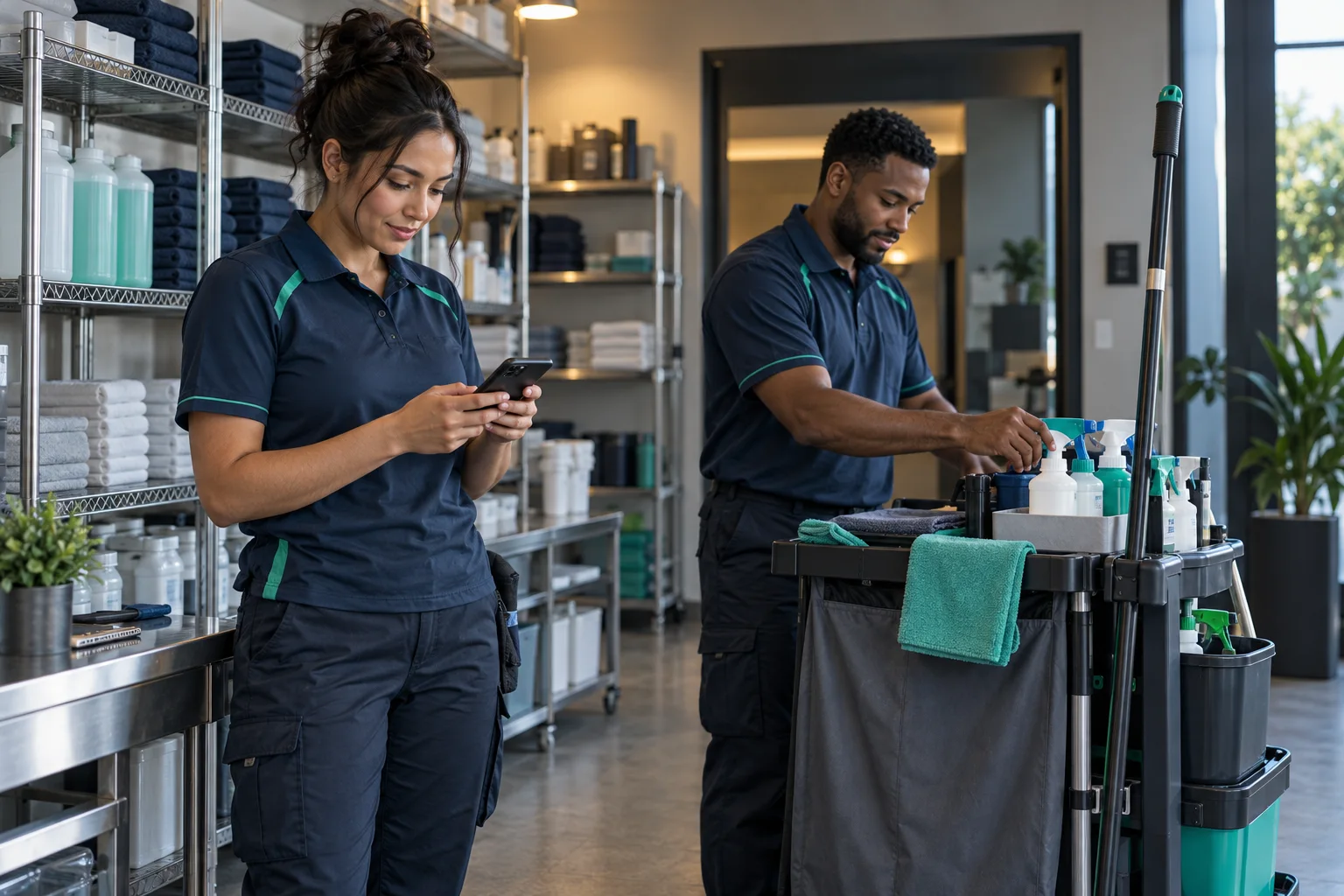
Assign each building's schedule to your own crew or to a vendor company. The route planner puts a night's buildings in driving order. Workers clock in from the phone's browser, and once a worker agrees to share location, JanGuard records where each clock-in happened. With the time clock open, it clocks them in when they arrive inside a building's boundary. The live map shows everyone on the clock.
Yes. A building can have more than one schedule. Give the summer deep clean its own frequency, service window, and start and end dates. If nobody cleans the building nightly over the summer, pause the school-year schedule and resume it in the fall.
Excuse the visit and pick weather as the reason. An excused visit never becomes a missed one, sends no missed-cleaning email, and drops out of the building's completion rate. You can excuse several days at once from the schedule calendar. If the day already passed and shows as missed, resolve the miss and record what happened.
If the school wants that, invite teachers as tenants and assign them the rooms they use. Tenants get their own portal, where they submit cleaning requests and issue reports with photos. Their submissions land in the facility manager's inbox.
No. JanGuard records location only for workers who agreed to share it, and only while they're on the clock with JanGuard open in the browser. Closing the browser stops it. Workers can revoke consent from their settings and keep clocking in by hand.
Set up your buildings and crews, print your QR codes, and watch the first reports come in. 30-day free trial.