The first visit, recorded.
Cleaning logged before the 11:00 PM cutoff.
Set up recurring schedules once. Crews scan a code and submit a report from the building. Signed-in crews can add photos. A visit with no report by its deadline is flagged as missed.

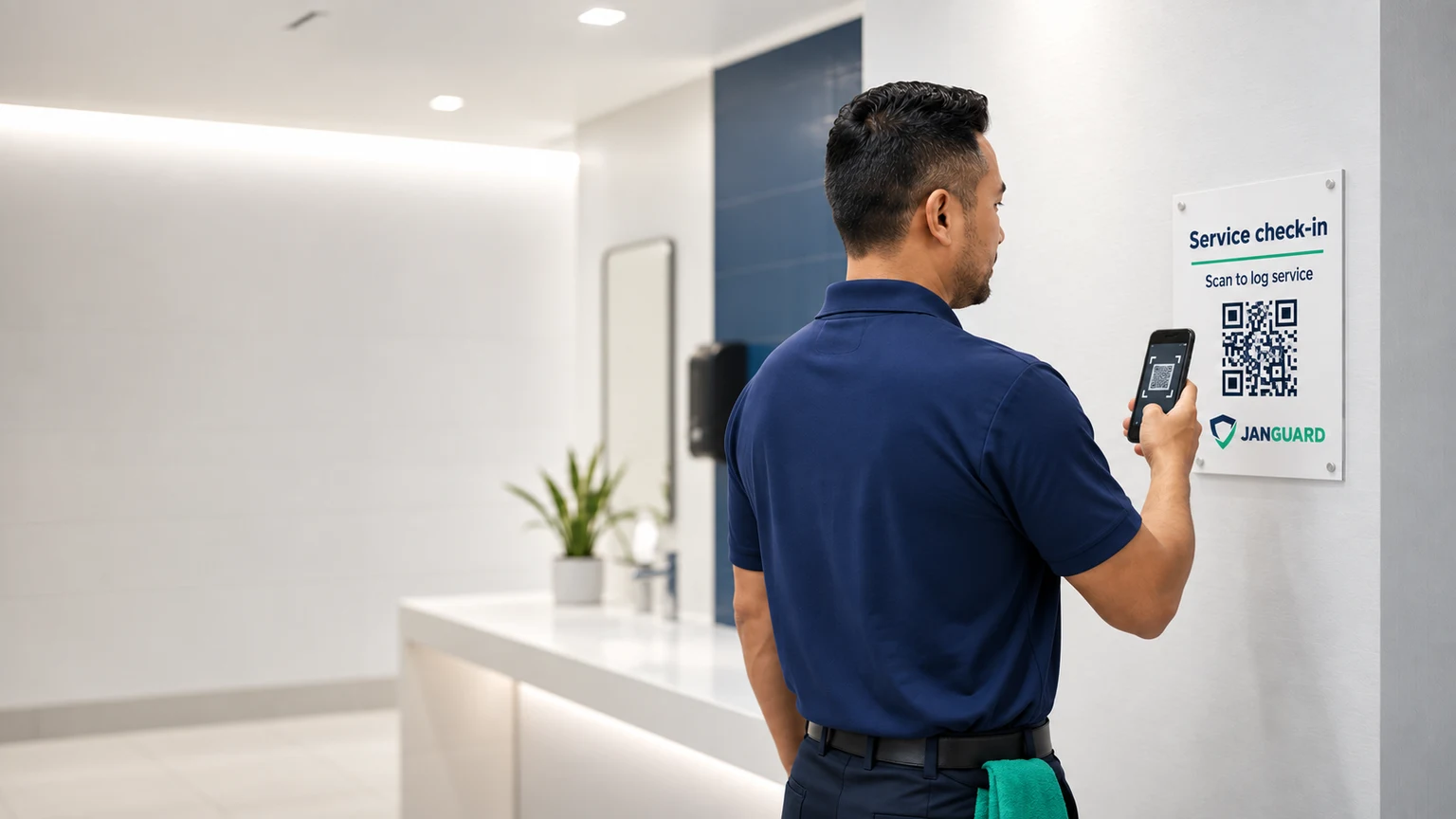
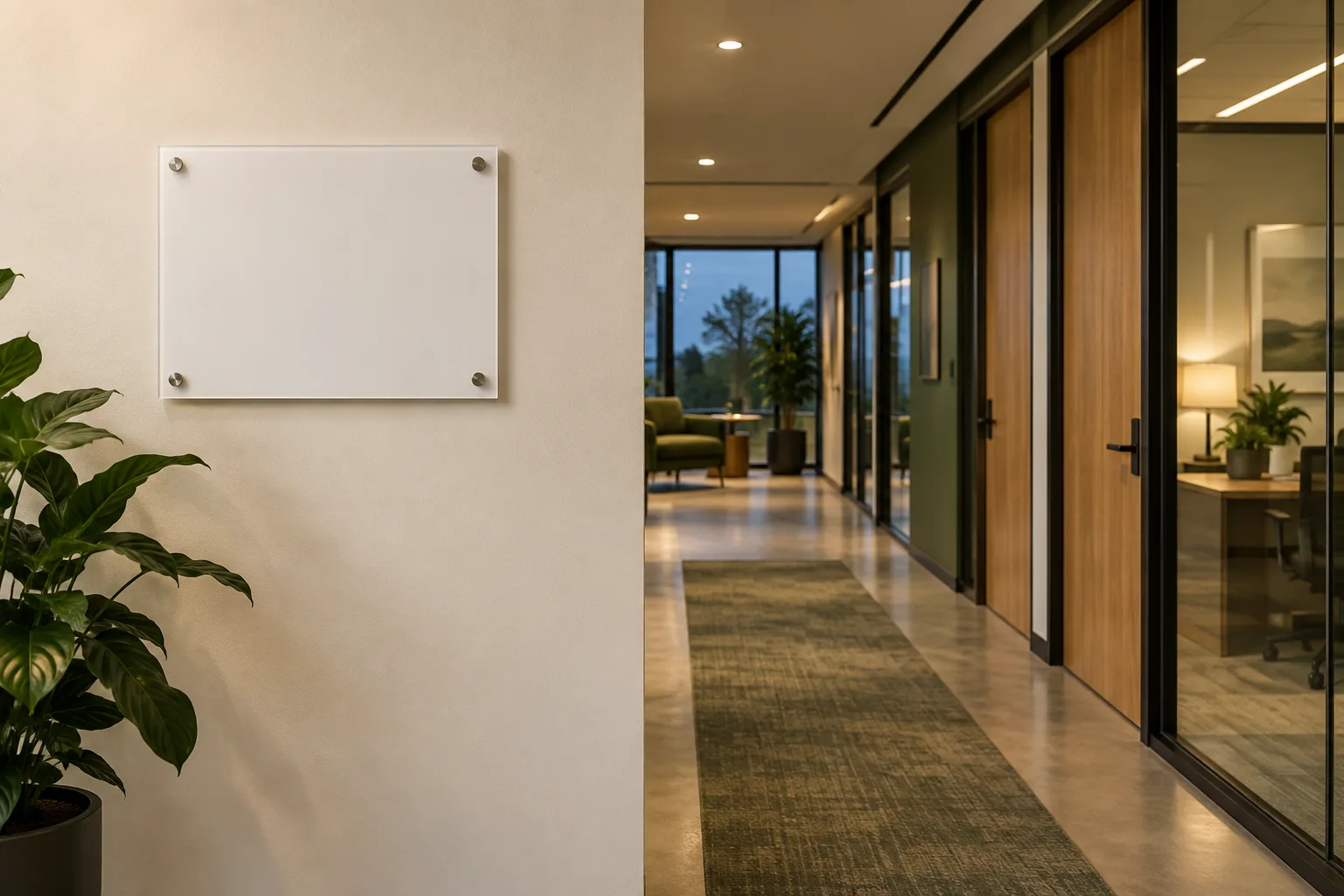
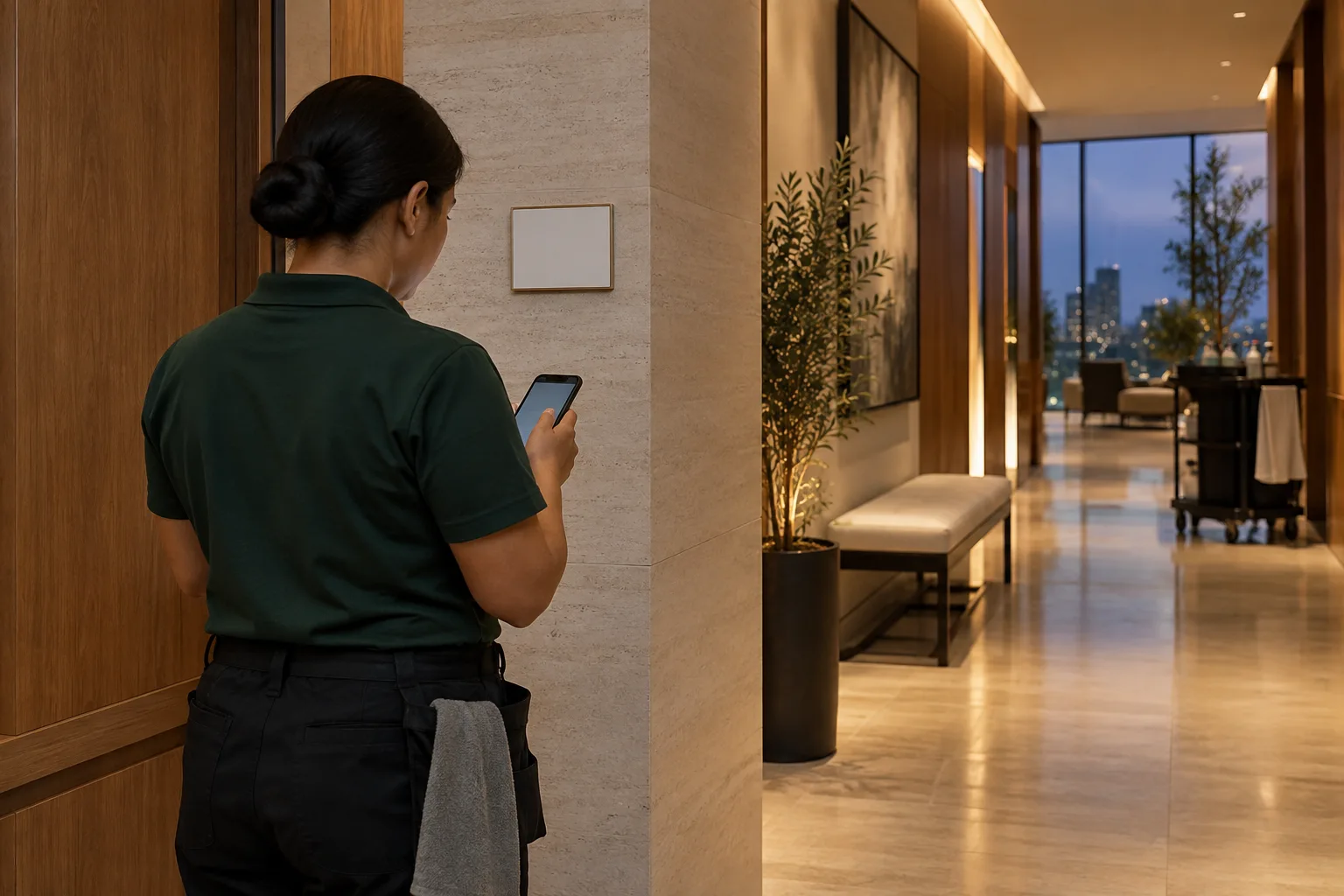
Give every building or service area a QR board. When the team arrives, the scan opens the location’s scope and reporting options. The submitted service record connects the work to its scheduled visit.
Set the service window, scope, assigned team, and completion cutoff.
Open the location’s instructions, log service, and report anything that needs attention.
Review completion against the scheduled visit. Follow up when a deadline passes without a report.
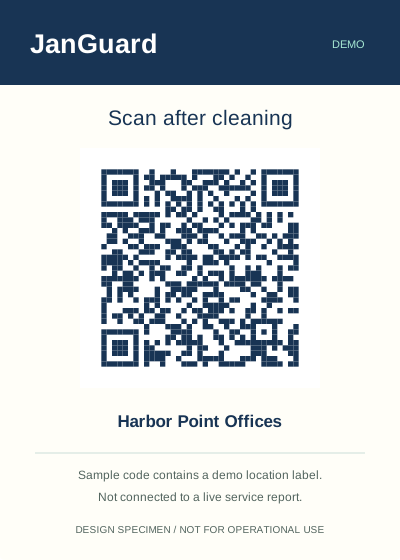
Illustrative board placements. Use the sample links to explore the reporting experience.
Follow a sample month at Harbor Point Offices. See what was reported, what needs attention, and what happens when a cutoff passes.
Cleaning logged before the 11:00 PM cutoff.
The crew confirms the agreed work for this location.
The office can review the date, location, and reported work.
Out of toilet paper in 3rd floor bathroom.
Another visit is logged before its cutoff.
The office sees a missed-service flag for review. This does not prove the cleaning was not performed.
Cleaning logged. Earlier exceptions remain available for follow-up.
The crew’s report is connected to this scheduled visit.
The office can see the latest reported service.
Cleaning confirmed before the nightly cutoff.
A month of individual visits becomes a readable service history.
Review completed visits, the supply issue, and the missing report together.
Visits logged: 1 · Issues reported: 0 · Missing reports: 0
Illustrative schedule · sample records. An issue can accompany a completed visit. A missed flag means no report was received by the cutoff.
Choose a visit to see the deadline, crew, and report behind its status. This example includes a miss, because the exceptions matter.
September 21, 2026 · Illustrative workflow
Choose a building
Chicago, IL · America/Chicago
A submitted report links the visit to its service record. Photos are attached by signed-in crew members.
Denver, CO · America/Denver
No report was received before the deadline. A missed flag calls for follow-up; it is not independent proof that nobody cleaned.
Austin, TX · America/Chicago
A submitted report links the visit to its service record. Photos are attached by signed-in crew members.
A clear record beats a morning of phone calls.
Set the days, frequency, and service for each building. Assign each schedule to your own crew or to a subcontractor.
Print a code for each building or area. Scanning it opens the cleaning report on the cleaner's phone. There's no app to install.
Signed-in crew members can attach completion photos to a report, so the record can include what they saw at the building.
A visit with no report by its deadline is marked missed automatically, and your team gets an email about it.
Summary emails list completed and missed cleanings, so the day starts with the exceptions instead of a spreadsheet.
Send clients a record of completed work, with dates, photos, and on-time status, instead of assembling one by hand.
Each building or area gets its own printed QR code. The cleaner scans it and checks off that visit's tasks from the schedule's scope of work, or answers a few quick questions if the schedule has no scope yet, then submits. Crew members signed in to JanGuard can add photos. JanGuard records when the report came in and its location when the phone provides it and matches it to the scheduled visit.
Each schedule has a completion deadline. JanGuard checks every hour for scheduled visits that passed it without a report, marks them missed, and emails your team. The missed-cleaning digest keeps them in front of you until someone resolves them.
Clients with portal access see completed visits, photos, and service reports for their own buildings. Fewer calls start with "was anyone here last night?"
No. JanGuard runs in the phone's browser. Scanning a building's QR code opens the cleaning report, and cleaners can submit it without a JanGuard login. Attaching photos requires signing in.
Each schedule has a completion deadline. If no report comes in for a scheduled visit before that deadline, JanGuard marks the visit missed and notifies your team. Someone on your team can then resolve it and note what happened.
Yes. Invite a vendor company and assign schedules to it. The vendor's team sees and completes the visits assigned to them, and you see the results.
Yes. The import center takes spreadsheets of clients, buildings, and schedules, so you don't have to enter them one at a time.
Set up your buildings and crews, print your QR codes, and watch the first reports come in. 30-day free trial.