A pipeline built around the walkthrough
Client leads move from new to closed through stages like appointment scheduled, appointment held, quote sent, and follow-up. Work them on a kanban board, a table, cards, or a map.
Track leads through a pipeline built around the walkthrough, call from the browser, and price the job on site. JanGuard drafts the scope of work from the spaces you enter. Convert the accepted quote, and the client, the building, and the cleaning schedule are set up from it.

The details you gathered can travel with the work.
Client leads move from new to closed through stages like appointment scheduled, appointment held, quote sent, and follow-up. Work them on a kanban board, a table, cards, or a map.
Dial through call lists, log the outcome of each call, and set callbacks. Calls go out through your own Twilio account, and recordings are saved to the call log.
Enter each space's type, square footage, and floor. JanGuard drafts the tasks and how often to do them. Edit, reorder, or regenerate any of it before the quote goes out.
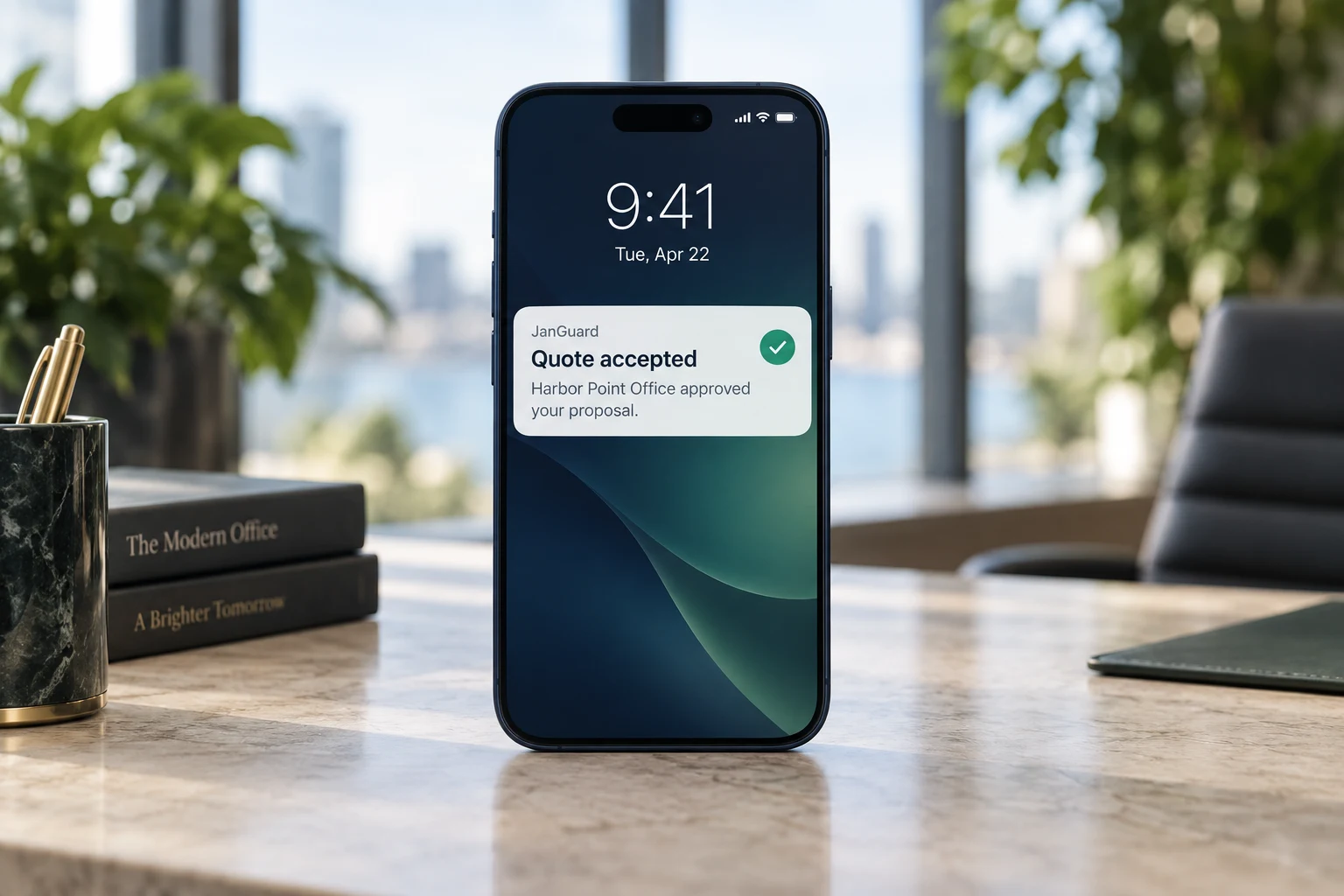
Send the proposal as a PDF, an email, or a link. The client accepts or declines from the link, and you're notified when they open it and when they answer.
Build contracts from templates with merge fields. Email a signing link or have the client sign on your device. JanGuard records the consent, IP address, and time, and keeps the signed PDF.
Put a lead form on your website with a hosted link or an embed code. Each submission becomes a new lead, and a lead whose ZIP code falls in a sales territory goes to that territory's rep.
Explore a sample scope and proposal handoff. The scope is a prepared example, not a live AI result.
Prepared sample tasks. Review the actual site and client requirements.
Review tasks, frequency, and any photo requirements before sending a quote. An AI-drafted scope in JanGuard still needs your judgment.
Work through a cleaning bidConvert an accepted detailed recurring quote to create the client, building, and draft scope with its schedule details.
Sample proposal acceptedThe generated schedule stays inactive until a coordinator assigns a crew and turns it on.
Inactive · crew neededThe quote builder takes you through the customer, the facility, each space, the schedule, and the scope of work. Price comes from each space's square footage, floor type, and soil level, using the production rates and hourly rate you set. JanGuard drafts a task list for each space, and you edit it before anything goes out.

Convert an accepted quote and JanGuard creates the client and the building from the quote's address and square footage. For a recurring quote from the detailed calculator, it also builds the cleaning schedule from the quote's days, times, and completion deadline, with the checklist loaded. The schedule stays inactive until you assign a crew and turn it on.
Property managers request quotes from the client portal with a description, an urgency, and a preferred start date. Requests land in a queue where your team assigns them, adds internal notes, and moves each one from review to a drafted quote. The client sees the status of every request they've sent.

Yes. The call center places calls through your company's Twilio account, so calls use your number and Twilio bills you directly. An admin enters the account details in settings. Every call is recorded. If you turn on Twilio's Voice Intelligence in your account, transcripts are saved with each call too.
For each space you enter, JanGuard drafts groups of tasks, each with a frequency such as every visit or weekly. You can rename, reorder, add, or remove tasks, change frequencies, and require a photo or initials on a task. Regenerate asks for a new draft. Nothing reaches the client until you send the quote.
Build the contract from a template, then email the client a signing link or hand them your device. The signer reads the contract, accepts the electronic signature consent, and draws or types a signature. JanGuard records the IP address, browser, and time, and saves a signed PDF you can download.
Yes. Connect Zoho in CRM settings and point your Zoho workflows at JanGuard. Leads created or updated in Zoho are added to JanGuard or updated there, and their Zoho status maps to a stage in your pipeline.
Set up your buildings and crews, print your QR codes, and watch the first reports come in. 30-day free trial.